Free images tag: Amazon Associate
How to Enable the Amazon Associate Site Stripe
The Amazon Affiliate Program, also known as Amazon Associates, is a powerful way to earn income by promoting and linking to Amazon products. Amazon Associates provides its members with a dedicated site full of tools to help affiliates generate and monitor their affiliate marketing efforts. One of these essential tools is the Site Stripe, a browser toolbar that simplifies the process of creating affiliate links directly from Amazon's product pages.
What Is the Amazon Associate Site Stripe?
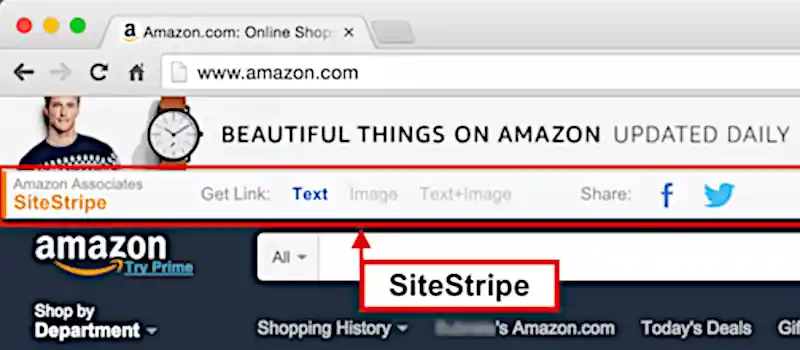
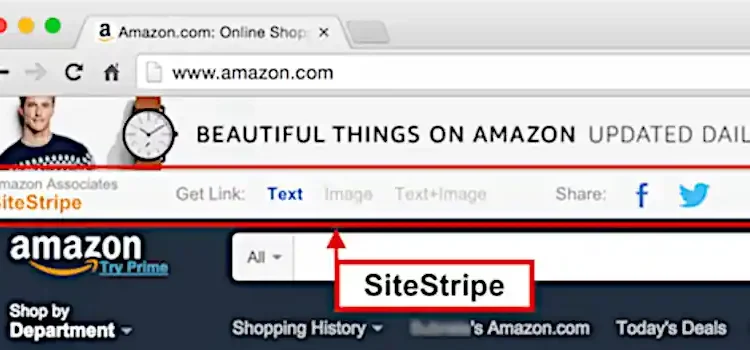
The Site Stripe is a browser toolbar that appears at the top of Amazon’s website when you're logged in as an affiliate. It allows you to quickly create affiliate links for products, share links directly to social media, and access other useful tools without needing to navigate away from the product page. This makes it a valuable time-saver for affiliates who need to generate deep links effortlessly.
Why Can't I See the Site Stripe?
Sometimes, the Site Stripe may not appear in your browser, either because it's disabled or hidden. Fortunately, enabling it is quick and straightforward. Below are the steps to ensure the Site Stripe is active on your account.
Steps to Enable the Amazon Site Stripe
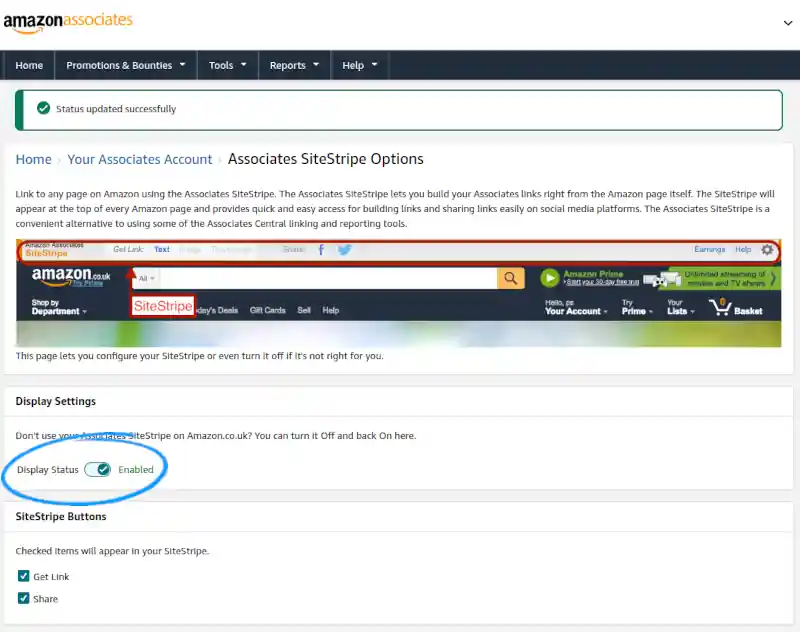
For UK Associates:
- Visit the UK Amazon Associates SiteStripe settings page: https://affiliate-program.amazon.co.uk/home/account/sitestripe.
- Log in to your Amazon Associates account if prompted.
- Locate the "Display Status" toggle and switch it to "Enabled".
For US Associates:
- Visit the US Amazon Associates SiteStripe settings page: https://affiliate-program.amazon.com/home/account/sitestripe.
- Log in to your Amazon Associates account if necessary.
- Toggle the "Display Status" setting to "Enabled".
Alternative Method:
- Log in to your Amazon Associates dashboard.
- Navigate to Account Settings.
- Select Associates SiteStripe Options.
- Toggle the "Display Status" to "Enabled".
Confirming the Site Stripe Is Enabled
Once you’ve enabled the Site Stripe, visit Amazon's website in the same browser, while still signed into your Amazon Associates account. You should see the toolbar at the top of the screen. If it’s visible, you’re ready to start generating affiliate links directly from product pages (deep linking).
Benefits of the Amazon Site Stripe
- Quick Link Generation: Create affiliate links without navigating to another page.
- Social Media Sharing: Share affiliate links directly to platforms like Facebook or Twitter.
- Convenience: Access essential affiliate tools directly from the browser.
The Site Stripe is a must-have feature for anyone serious about affiliate marketing with Amazon. By enabling it, you streamline your workflow and maximize your efficiency as an Amazon Associate.
Start using the Site Stripe today and take your affiliate marketing efforts to the next level!