Does My Processor Support AVX2?
If you're interested in running AI instances locally on your Linux-based laptop or PC or perhaps compiling software that leverages your CPU's full potential, one key thing you’ll want to check is whether your processor supports AVX2 (Advanced Vector Extensions 2). Understanding this is crucial, especially if you're optimizing your machine for high-performance tasks such as machine learning, data analysis, or real-time video processing.
In this article, we’ll explore how to check if your processor supports AVX2, what AVX2 is, why it’s important, and how you can verify it on Ubuntu or other Linux distributions.
What is AVX2 and Why Does It Matter?
AVX2 is an extension to the original AVX instruction set introduced by Intel. It was released with Intel’s Haswell processors and has become standard in most CPUs produced since then. AVX2 significantly improves integer operations and adds support for more complex floating-point calculations, which are crucial for AI workloads, deep learning models, and heavy computational tasks.
Here’s why AVX2 matters for your AI projects and high-performance applications:
- Faster Processing: AVX2 can speed up operations like matrix multiplications, which are essential in AI and machine learning workloads.
- Efficient Resource Usage: It allows your processor to handle multiple data points in a single instruction cycle, reducing the time and resources needed to process large datasets.
- Optimization in Software: Many AI frameworks and software, such as TensorFlow or PyTorch, often use AVX2 to enhance performance during model training and inference.
Thus, if you're planning to run or compile AI software locally on your Linux machine, you need to know if your processor supports AVX2.
How to Check If Your Processor Supports AVX2 on Linux
Step-by-Step Process
If you're asking, “Does my processor support AVX2?”, you can quickly check by using a simple command in your terminal. This method works on Ubuntu and most other Linux distributions.
- Open the terminal on your Linux machine.
- Run the following command to view your CPU’s features:
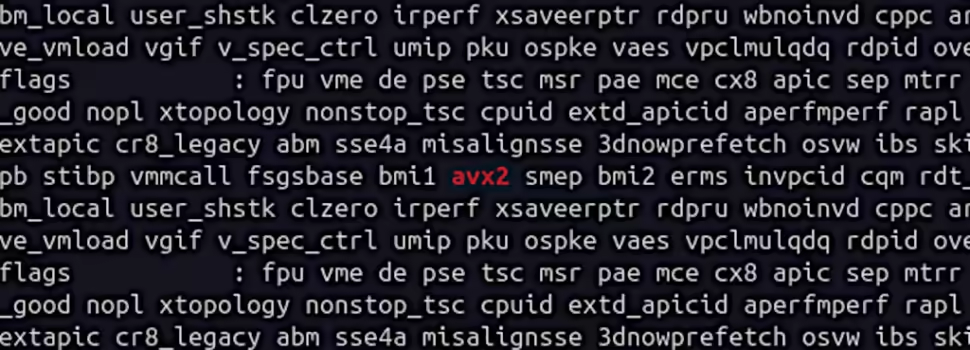
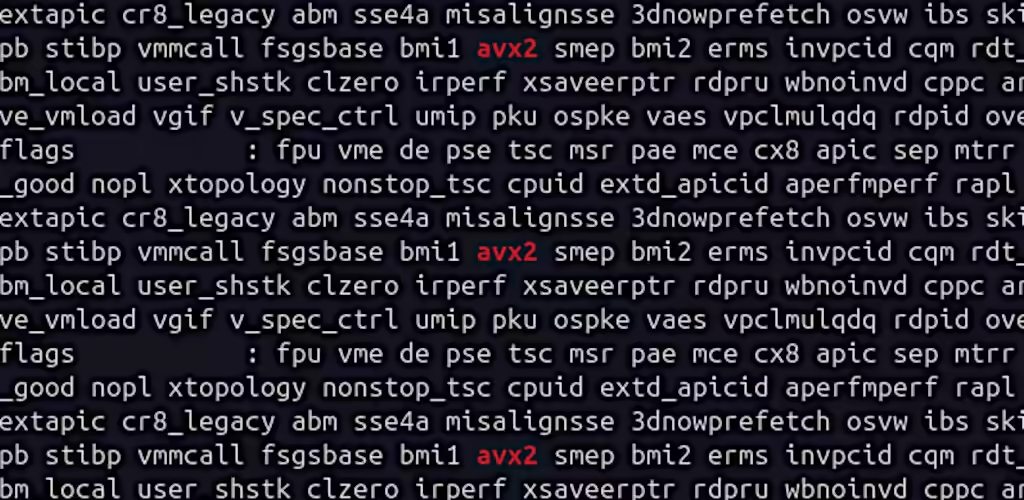
cat /proc/cpuinfo | grep avx2This command looks for the avx2 flag in the output of your CPU’s information. The CPU flags section lists all the features supported by your processor, and AVX2 will appear there if supported.
Interpreting the Output
- If AVX2 is listed, congratulations! Your processor supports AVX2, and you can use this instruction set for optimizing AI applications.
- If AVX2 is not present, your CPU likely doesn’t support this feature, and you may need to reconsider some optimizations or upgrades, especially if you plan to use software that relies on AVX2 for better performance.
Here’s an example of what the output might look like:
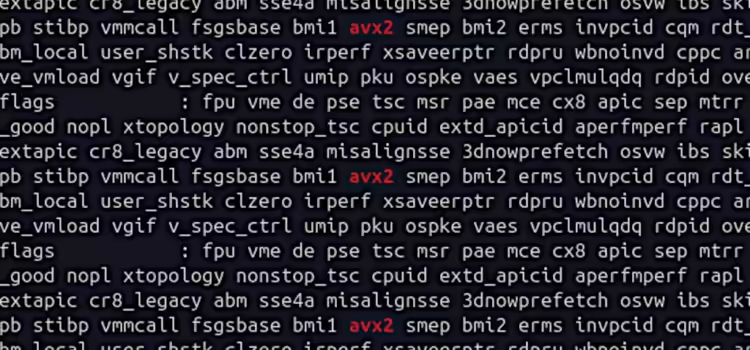
flags: fpu vme de pse tsc msr pae mce cx8 sep mtrr pge avx2If AVX2 is highlighted in your flags, you're good to go!
Why is AVX2 Important for Running AI Locally?
Now that you know how to check whether your processor supports AVX2, let’s discuss why it’s especially relevant for running AI on local machines.
AI workloads, particularly deep learning models, require intensive numerical computations. Training a model involves processing large matrices of data (think of layers of neurons in neural networks), and AVX2 helps speed up these operations. It is commonly used by AI frameworks like TensorFlow, PyTorch, and ONNX to enhance their performance, especially when dealing with large datasets or real-time inference tasks.
For those looking to train AI models at home on a laptop or desktop, AVX2 support can make a significant difference in how quickly your models train and how efficiently your machine runs. Many precompiled binaries of AI frameworks are optimized to take advantage of AVX2, allowing them to run more smoothly on supported hardware.
How to Use the AVX2 Flag When Running or Compiling Software
Once you've confirmed that your processor supports AVX2, the next step is utilizing it effectively.
- Running Software: Some AI software will automatically detect AVX2 support and optimize accordingly. However, in some cases, you may need to explicitly specify AVX2 during the compilation or execution phase. This ensures that the software takes full advantage of your CPU’s capabilities.
- Compiling Software with AVX2: When compiling from source, you can often specify CPU architecture flags to optimize performance. For instance, you might use:
-march=native -mavx2These flags tell the compiler to generate code that uses AVX2 instructions if supported by your CPU.
Final Thoughts: Does My Processor Support AVX2?
If you're serious about optimizing your machine for AI workloads or other intensive computing tasks, the question “Does my processor support AVX2?” is one you’ll need to answer early on.
By using the cat /proc/cpuinfo | grep avx2 command in Linux, you can easily check for AVX2 support and ensure your processor can handle the demands of high-performance software.
AVX2 is a powerful feature for users running AI instances or compiling software on local Linux systems. Having this capability can drastically improve performance, especially when working with large-scale data or training deep-learning models. So, make sure your processor is up to the task before diving into those heavy AI workloads!
By checking for AVX2 support, you're taking the first step toward fully optimizing your system for AI tasks. Whether you're a developer, data scientist, or hobbyist looking to run local AI instances, AVX2 can make a notable difference in your system's performance.

Genie
I search for the answers that the big search engine won't answer.